Open Accessibility Menu
Hide
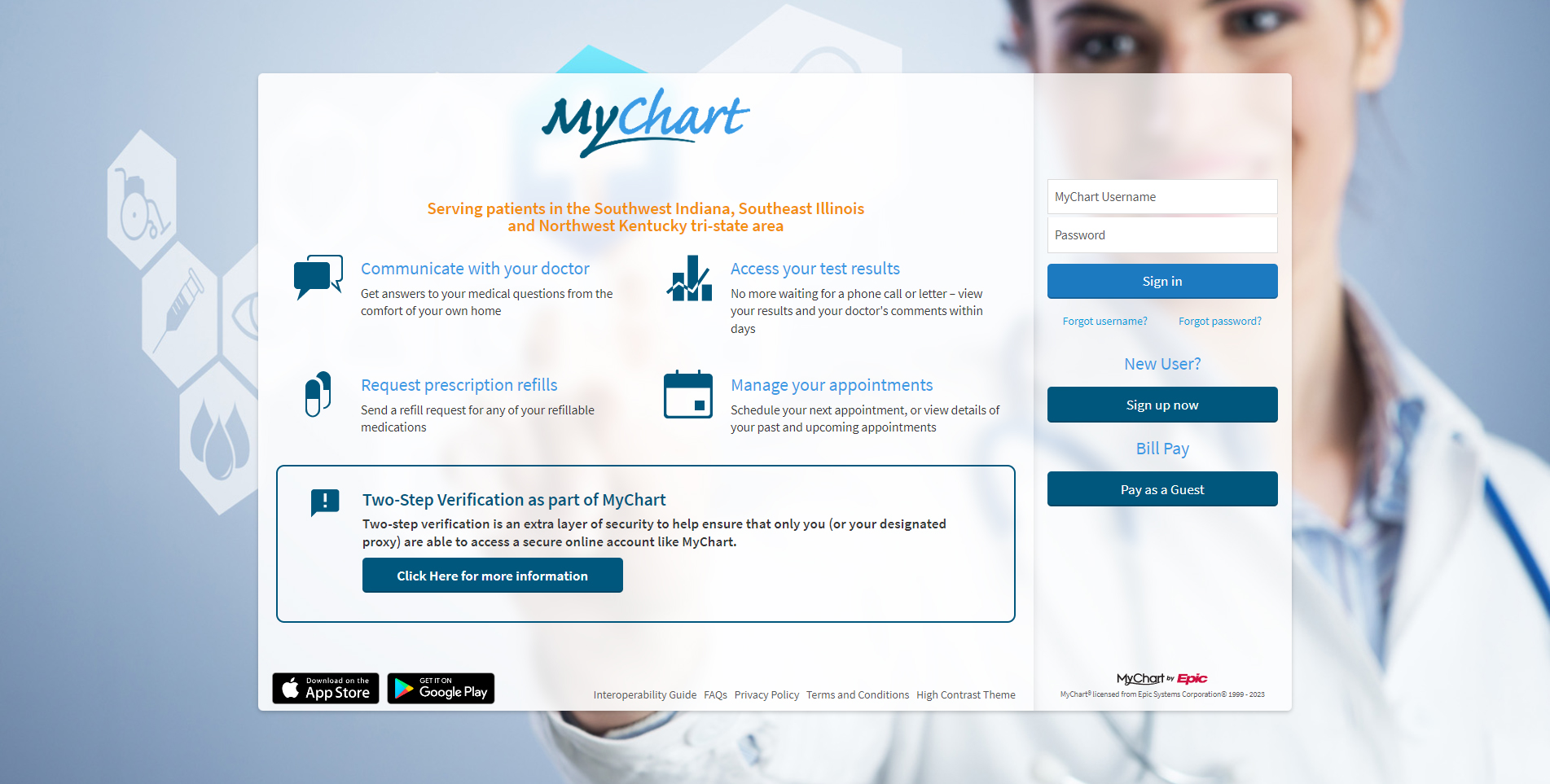
Sign in to access your medical information, appointments, test results, messages and more.
Sign Up / Sign In Pay as a GuestPatient Support 812-450-HELP (4357)
The Daviess Community Hospital MyChart website serves patients in the southern Indiana, southern Illinois and northwestern Kentucky tri-state area only.
MyChart is not to be used for emergency or urgent needs. For medical emergencies, dial 911 or go to the nearest emergency room.

Access and pay your current statements online

No more waiting for a phone call or letter

Send a request for any of your refillable medications

Schedule or view appointments

Find answers to our most frequently asked questions

Learn how to request proxy access to another patient's MyChart
E-Visits let you get care from your own medical provider for certain conditions without needing to schedule an appointment or come in to the clinic. And because it's message-based, you can reply whenever it's convenient for you!
Use MyChart Bedside to track your hospital stay. While you're in the hospital, our convenient MyChart app can help you keep track of your tests and medications and make your stay with us easier. All you need to do is log into your MyChart Mobile App.
Most lab, x-ray and other imaging results are available. However, your provider can choose which types of test results are accessible through MyChart. For some types of testing, providers want to discuss results with patients prior to the results being posted in MyChart.
Yes. MyChart can be used by any DCH patient.
No. Medical information is specific and unique to every individual. Each person should have their own MyChart account. To ask questions for someone else, you must have proxy access to another person's MyChart account, and then use their account to ask questions.
Yes. This is called "proxy access" and allows an adult to access their family member's MyChart. This proxy access can be for minor children (under 14), or for an adult who has designated someone as a health care decision maker. A Proxy Consent Form can be completed in-person at the provider's office.
No. Because medical information is specific and unique to every individual, each adult must have their own individual MyChart account. People may grant proxy access to their spouse (or another adult) by contacting their provider's office and completing a Proxy Consent Form.
You need an activation code to create your own user name and password. You can get an activation code one of several ways:
Access to your account is controlled through secure activation codes, personal usernames and passwords. Each person controls their password, and the account cannot be accessed without that password. You will never receive an email containing health information or other personal details, as this information is only viewable while logged in to your account. You will also never receive an email asking for personal information.
You may click the "Forgot login information?" link on the sign-in page to reset your password online. You may also call our support line Monday through Friday from 9am to 5pm at 812-450-HELP (4357), option 1 to request a new, secure password.
You can request a new activation code using one of the options in the prior question. For security reasons, your activation code expires after 14 days and is no longer valid after the first time you use it.
To protect your privacy and the security of your MyChart information, you will automatically be logged out if your account remains idle for 15 minutes. We recommend that you log out of MyChart if you need to leave your computer or other device for even a short period of time.
You will generally receive an answer within 1-2 business days. Please note that MyChart should not be used for urgent situations. Please contact your provider's office by phone if the situation requires immediate attention. If you are experiencing an emergency, call 911 or go to the nearest emergency room.
No. MyChart is a free service offered to all of our patients.
Information in MyChart is the same as what is on file with your providers. You can correct this information at your next appointment; if you are concerned and want to change the information sooner, contact your provider's office.
MyChart is a secure, personalized, online portal for patients to access parts of their medical record. With MyChart, you can:
MyChart is owned and operated by Epic, the most widely used electronic medical record. Epic is fully compliant with federal and state laws related to patient privacy. Your name and e-mail address will be treated with the same care and privacy that is given to your health records and will never be sold or leased. To learn more about how your rights to privacy are being protected, please contact the Customer Service Department.
Your test results are released to your MyChart account shortly after they are completed. Some results are available very soon; others may take a few days for the test to process and then for a physician to interpret the results. A few test results are held until after your provider has reviewed them.
First, log into MyChart. To update your password or security questions, select Settings at the top, and then select Security Settings. To update your personal information, choose the Health Folder at the top, then select Demographics.
When minors turn 14, privacy settings within MyChart will change. If you have additional questions about the specifics of this, please contact your child's physician office. You may also call your privacy officer.
If you have additional questions about MyChart, you can call our MyChart Support Line at 812-450-HELP (4357). If you have a question about a health condition, please contact your provider.


For medical emergencies, call 911 or go to the nearest emergency room.